

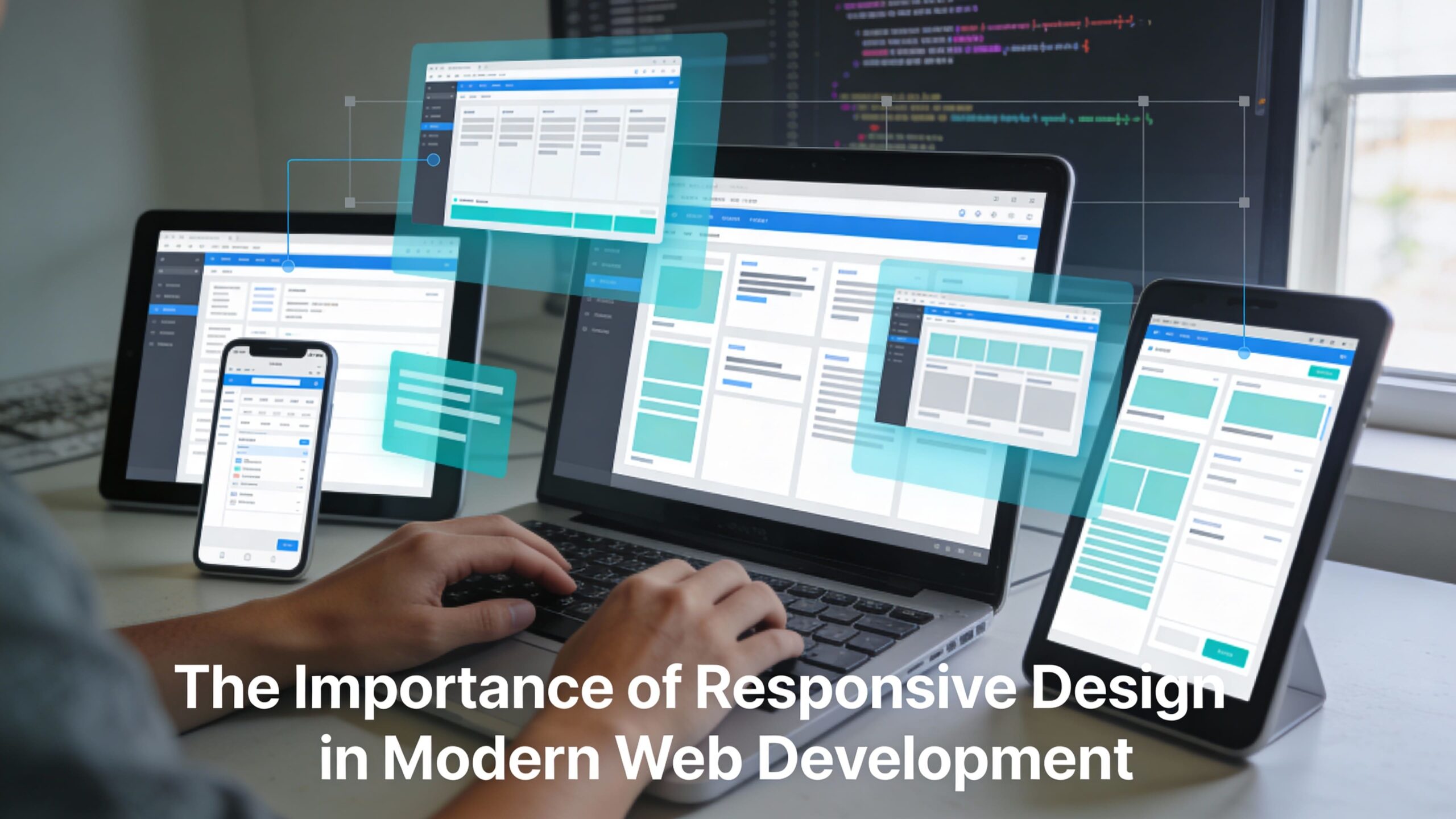
Picture this — your website flows effortlessly, like water taking the shape of any glass it’s poured into. Whether the “glass” is a smartphone, a foldable tablet, a massive desktop monitor, or even an AR headset, it fits perfectly. That’s Responsive Design in 2026 — and it’s not just about fitting into screens anymore. It’s about reading the room (or the user’s context) and adapting smartly in real time.
This isn’t the same responsive design we knew a decade ago. Gone are the days of static breakpoints and clunky resizing. Now, we’re talking AI-powered, context-aware, performance-obsessed design that doesn’t just look good — it performs like a champ and stays accessible for every user. So, buckle up — here’s the lowdown on why responsive design is your website’s superpower in the current era.
Responsive Design Best Practices in Modern Web Development (2026)
Responsive web design today is about mixing clean aesthetics with lightning-fast performance and universal accessibility. Let’s break down the golden rules driving 2026 web standards:
Mobile-First Approach
Start small, grow big. Designing for the smallest screen first forces you to focus only on what’s essential — the core content and primary functionality. Once the heart of the site is locked in for mobile, you can progressively enhance for larger screens.
- Why it works: It leads to faster load times, better user focus, and keeps you in Google’s good books thanks to Mobile-First Indexing.
- Performance bonus: Lightweight mobile-first coding means you’re already set for swift desktop speed.
- Cultural bonus: People’s first touchpoint with your site is most likely their phone. Treat it like your storefront.
Fluid Grids and Flexible Layouts
Say goodbye to rigid pixels. In the mobile-first, flex-everything era, units like %, em, rem, and vw are your new measuring tape. Combining CSS Grid for page structure and Flexbox for internal component alignment is now the go-to formula.
- Result: No matter the device width, everything scales proportionally without awkward gaps or squished content.
- Designer’s love note: This approach makes life easier when editing components — change one thing, and it flows naturally everywhere.
Responsive Images and Media
Your images should be workout-ready: light on size, strong on clarity. Serving different sizes for different devices via <picture> or srcset not only saves bandwidth but also makes your users’ browsing snappy.
- Formats like WebP and AVIF offer high compression without sacrificing crispness.
- Add lazy-loading to keep initial loads lighter.
Touch-Friendly Navigation & Typography
Ever tapped a button on mobile only to hit the wrong link? Yeah, don’t be that developer.
- Big enough buttons and link spacing for thumbs.
- Use modern CSS functions like clamp() for font scaling that’s fluid yet controlled — perfect for readability across all devices.
Benefits of Responsive Web Design That You Can’t Ignore
Here’s the quick-hit advantages every business loves:
- Enhanced UX: Seamless shift between devices means users never hit a “broken” layout wall.
- Improved SEO: Speed + mobile-friendly = Google love. Single URLs make crawling easier.
- Cost Efficiency: One site to rule them all. No more juggling separate desktop/mobile versions.
- Accessibility Gains: Meet WCAG guidelines effortlessly with reflow-capable layouts, proper semantics, and assistive tech compatibility.
- Conversion Power: Smooth user journey = more sign-ups, purchases, and engagement.
Responsive Design Meets UX, SEO & Accessibility
Now, let’s get into the direct impact on the three heavy hitters:
| Area | Impact & Benefit Key |
| User Experience (UX) | Consistency means higher trust and retention. Changing devices doesn’t break the layout or mood. |
| SEO Performance | Core Web Vitals (LCP & INP) stay healthy with well-optimized responsive design. |
| Accessibility | WCAG compliance via smart scaling, semantic HTML, and full keyboard/screen reader support. |
Common Challenges in Implementing Responsive Design
Even with AI tools making life easier, some dragons are still worth slaying:
- Performance Bottlenecks: Media-heavy sites must balance visuals with load speed. Use conditional loading.
- Cross-Browser Compatibility: Rigorous testing using tools like BrowserStack keeps things consistent.
- Navigation Complexity: Reworking mega menus into mobile-friendly hamburgers or tab bars without killing usability takes skill.
- Asset Management: Different media versions for multiple devices can hike storage and dev costs.
Trends & The Future of Responsive Design (2026)
The scene is shifting fast, and here’s what’s turning heads:
- New Responsive / Contextual Design: Adaptive layouts that react to user context, not just screen size. Location, network speed, time of day? Your site knows.
- Container Queries: Components adapt to their container size, not the whole page viewport — ultra modular.
- AI & ML in Design: Tech that auto-optimizes layout, accessibility, and personalization in real time.
- Fluid Design: Bye breakpoints; hello smooth, continuous scaling across AR/VR and foldable screens.
- PWAs: Installable, offline-ready web apps that run like native applications with lightning-fast responsive interfaces.
Tools & Frameworks That Dominate in 2026
CSS Frameworks:
- Tailwind CSS
- Bootstrap 5+
- Bulma
Component Frameworks:
- React + Next.js
- Angular
- Vue.js, Svelte
Static Site Generators:
- Astro
- Next.js
Testing Suites:
- Chrome DevTools
- BrowserStack
- Applitools
Case Studies of Wins in Responsive Design
- Airbnb: Strong mobile-first design lets users book with zero friction.
- Spotify: Seamless UI adapts complex features intelligently for mobile.
- Slack: React architecture delivers enterprise-ready, responsive interfaces.
- Shopify: Handles high-stakes transactions on any size device like a pro.
Latest Words
Responsive Design in 2026 is your site’s secret weapon — it’s aesthetic, it’s smart, and it’s inclusive. The combination of mobile-first design, fluid adaptability, AI enhancements, and accessibility-first thinking isn’t just a “nice to have” anymore — it’s mission-critical.
Think of your site like a great tour guide: it knows where the user is, speaks their language, shows them the highlights, and never makes them wait. The only question left…
Quiz Time — Drop your answers in the comments 👇
Q: If your website loads in 2 seconds on desktop but 8 seconds on mobile, which one will most likely hurt your SEO ranking — and why?







Leave a comment